Random memory deck
Photos, screenshots, and videos appear as simple cards so old moments can resurface naturally.
iPhone photo cleanup
Lumo turns photo cleanup into a light browsing ritual: open a random memory, keep it, favorite it, share it, skip it, or add it to a careful delete review.
No account, no tracking, no analytics.
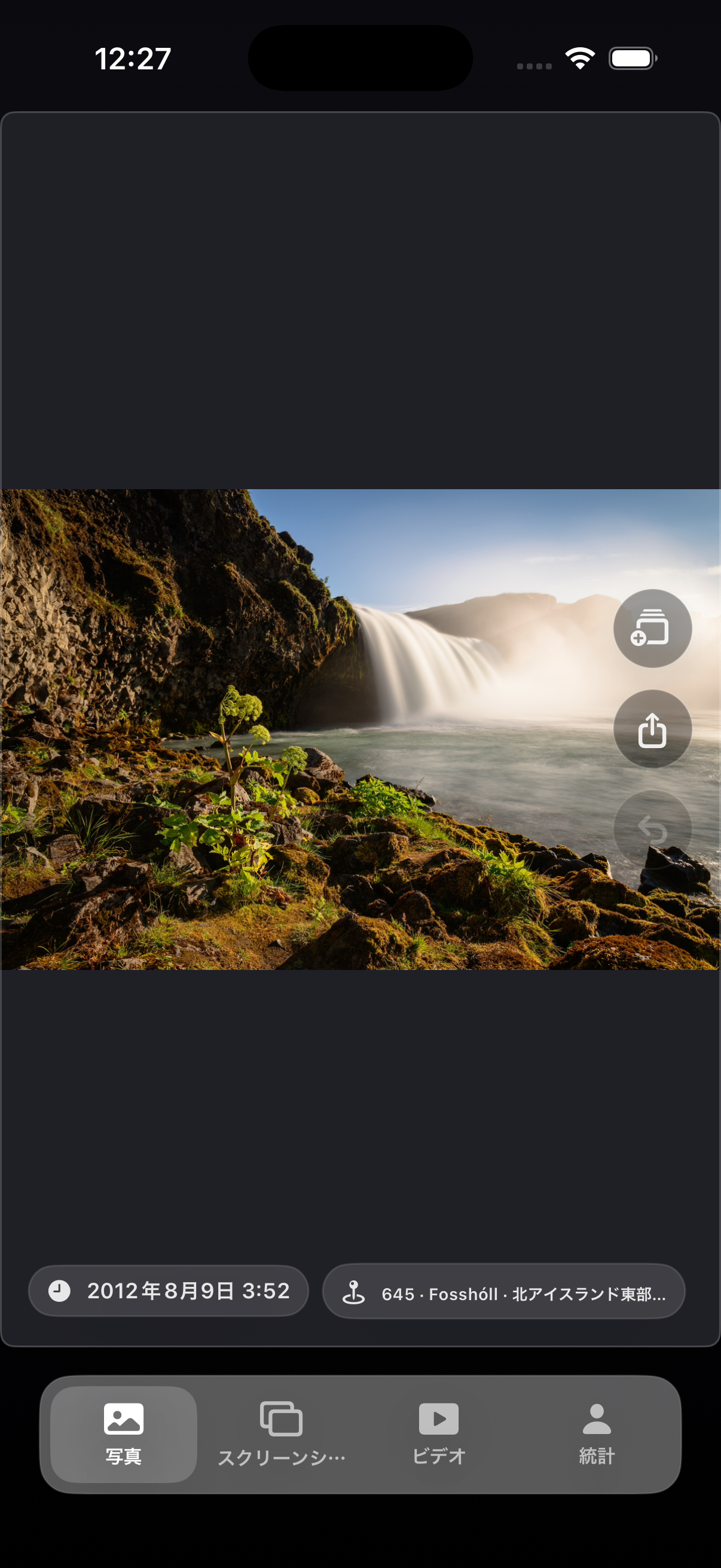
Photos, screenshots, and videos appear as simple cards so old moments can resurface naturally.
Swipe up to pass, swipe down to mark for deletion, and long press to favorite a memory.
Deletion candidates are reviewed as a set before Lumo asks iOS Photos to remove anything.
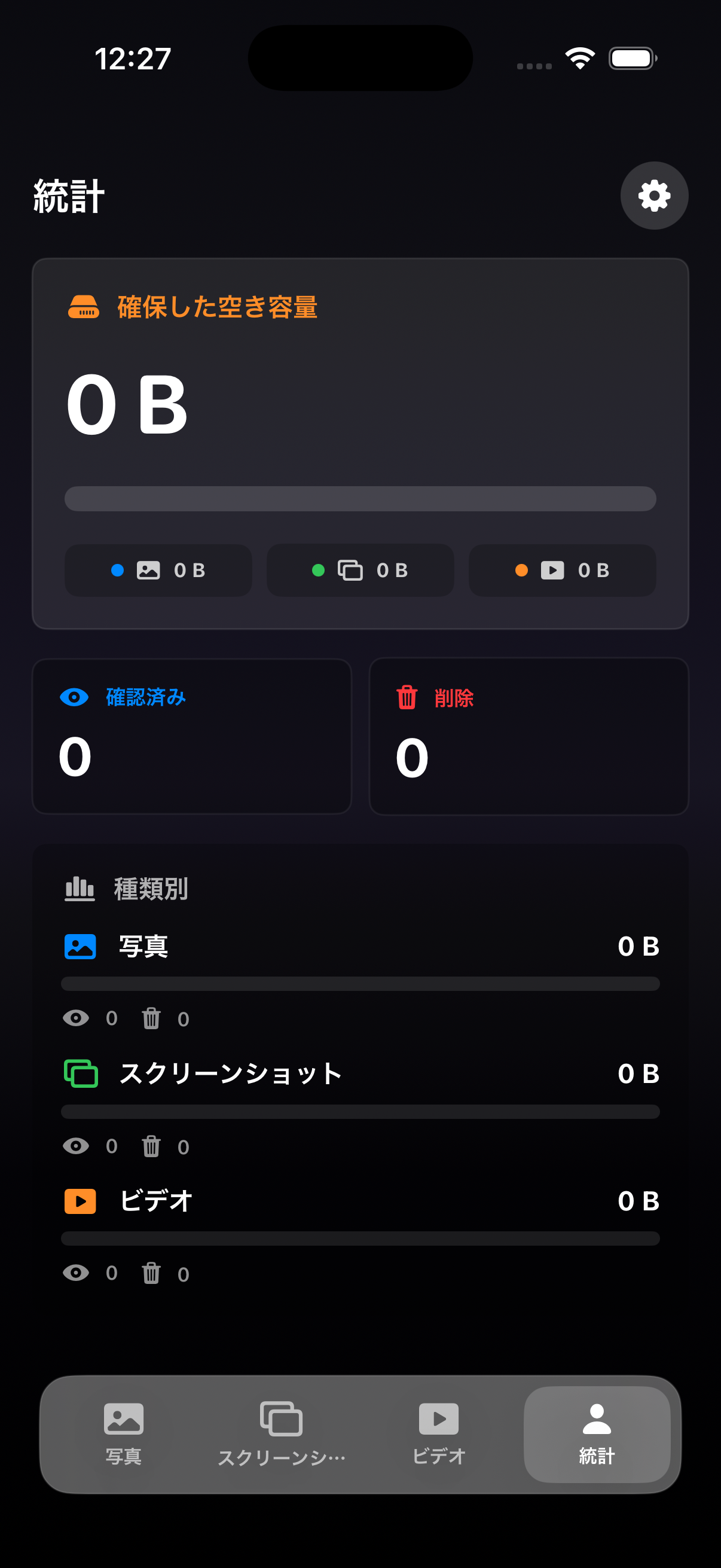
See reviewed items, delete candidates, favorites, and estimated space recovered by media type.
Pick a mode: photos, screenshots, or videos.
Browse one memory at a time.
Review deletion candidates before committing changes.
Lumo does not create accounts, does not track you, and does not collect analytics. Your library is handled through iOS Photos permissions and system controls.
Does Lumo delete photos immediately?
No. Lumo collects deletion candidates first, then shows a review screen before requesting deletion through iOS Photos.
Does Lumo upload my photos?
Lumo does not upload your photos to developer-operated servers. Photo access is handled through iOS Photos and system services.
Is the app available now?
The App Store link will be added when the first public release is ready.